OGC 3D Tiles for Blender
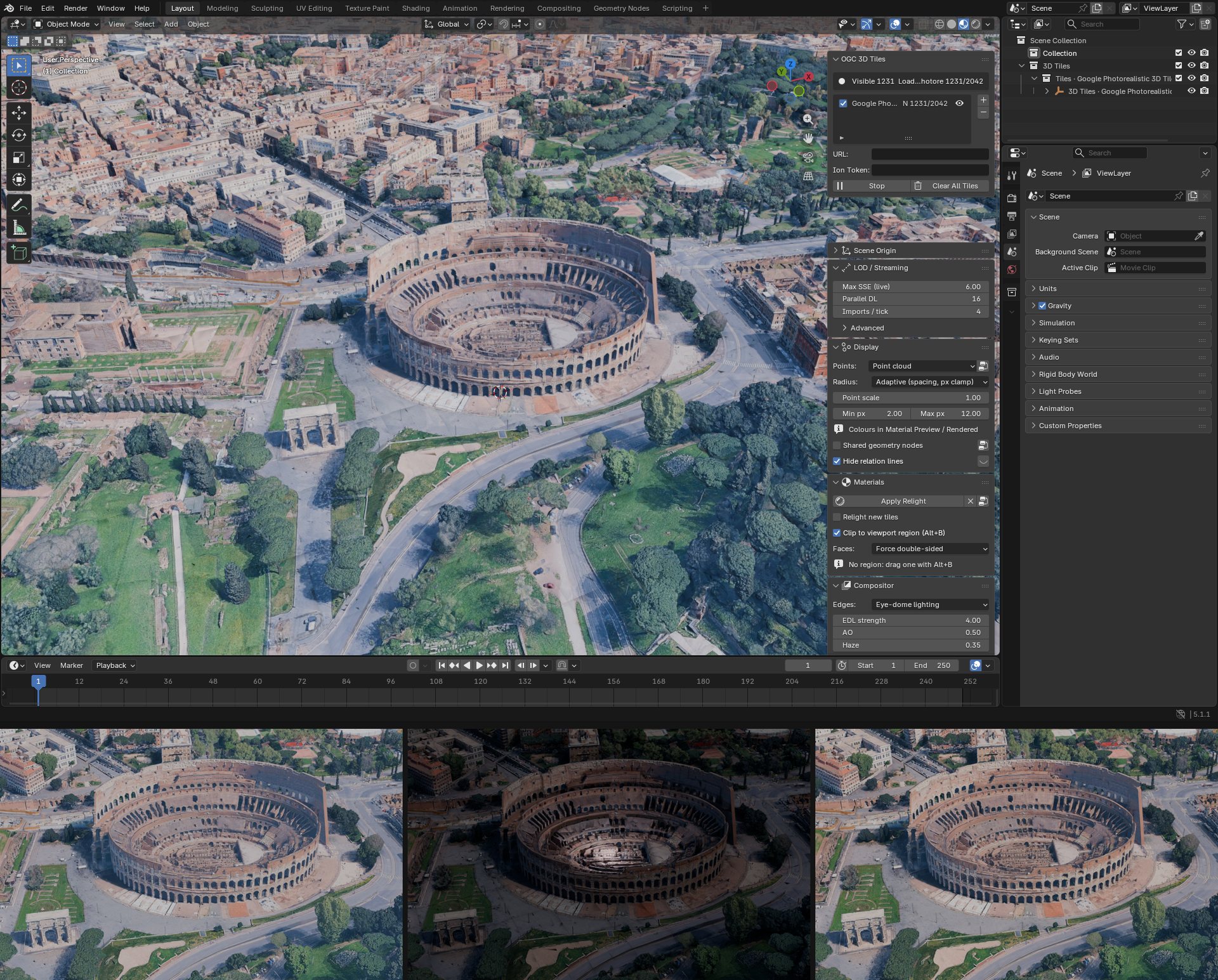
Stream 3D Tiles (meshes, point clouds, Gaussian splats, voxels) into Blender
cesium-native does the tile selection, loading and decoding through the cesium-native-python bindings + some niceties like raster overlays or clips. Tiles load and unload around the viewport camera, or around the render camera for animations. Different approach than the pure-Python CesiumForBlender (forum post) although I keep a python native fallback.
The same tour as a slide deck (PDF).
What works today:
- Content: cesium-native brings for free all supported flavors of
3D Tiles
(1.0 /
1.1) and tile content:
- Tiled meshes: b3dm, glb, Draco, meshopt, KTX2
- Tiled point clouds:
pnts, glTF points - Tiled 3DGS splats:
KHR_gaussian_splatting, SPZ or uncompressed, as native Blender 5.3 splats - Sources: Google Photorealistic 3D Tiles, Cesium ion assets, a WGS84 globe
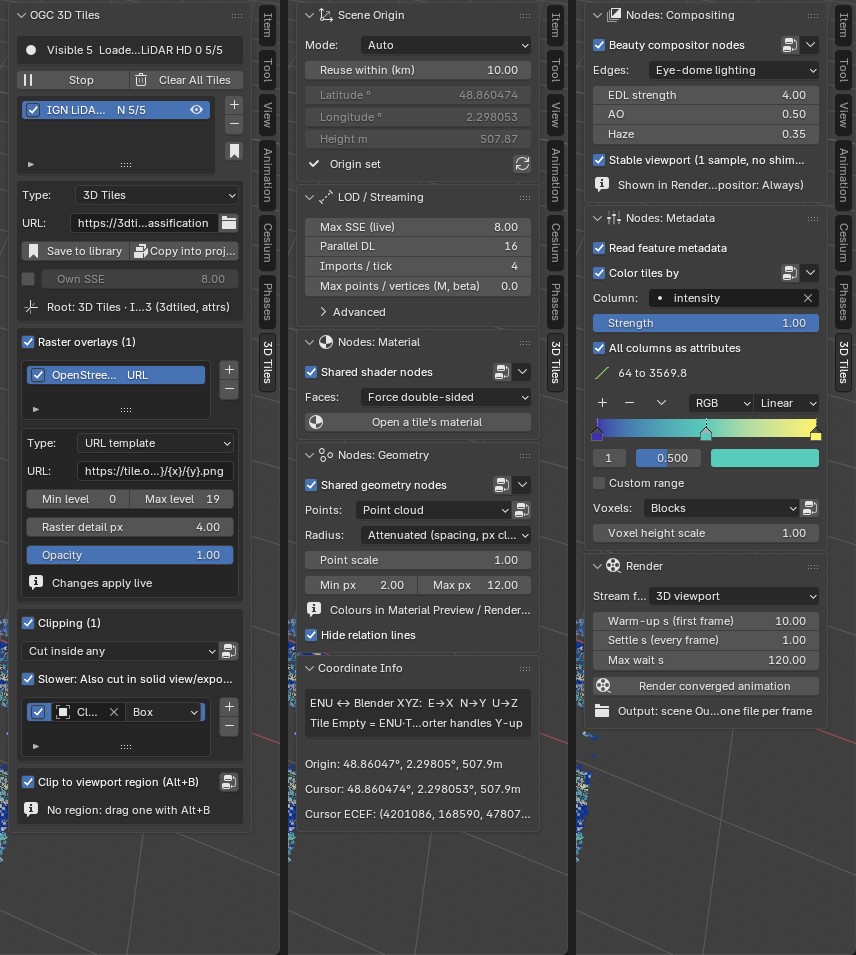
- One graph for all tiles: Blender niceties there, a shared Geometry Nodes modifier, a shared shader group for relighting and a compositor tree (edges, AO, haze) apply to every tile, either content that has already been fetched and loaded or streamed later
- Rendering: EEVEE and Cycles, plus a "converged animation" render that waits for the tiles of each frame to finish loading before rendering it
- Raster overlays draped on tiles: URL template, TMS, WMTS, WMS, ion, Bing, Google, Azure, again feature-parity with all formats cesium maintains support for.
- Clipping: cut a tileset with Blender objects, either as clip-polygons or as 3D boxes, useful to combine overlapping tilesets like focus high-res drone scan into a coarser, larger extent, city-wide scan. It works on meshes, point clouds and splats, follows live as you move the objects, and can be keyframed for renders. Geometry-level clipping in cesium-native is requested in #1486.
- Several tilesets at once, placed around a scene origin usually auto-set at tileset centroid, or that you can set by searching for a place name; local and network-share tilesets, shared libraries of tilesets, and copying a tileset into the project, cropped to an area
License
MIT.