Features
Meshes
Textured mesh tilesets: photogrammetry, city models, Google Photorealistic 3D Tiles
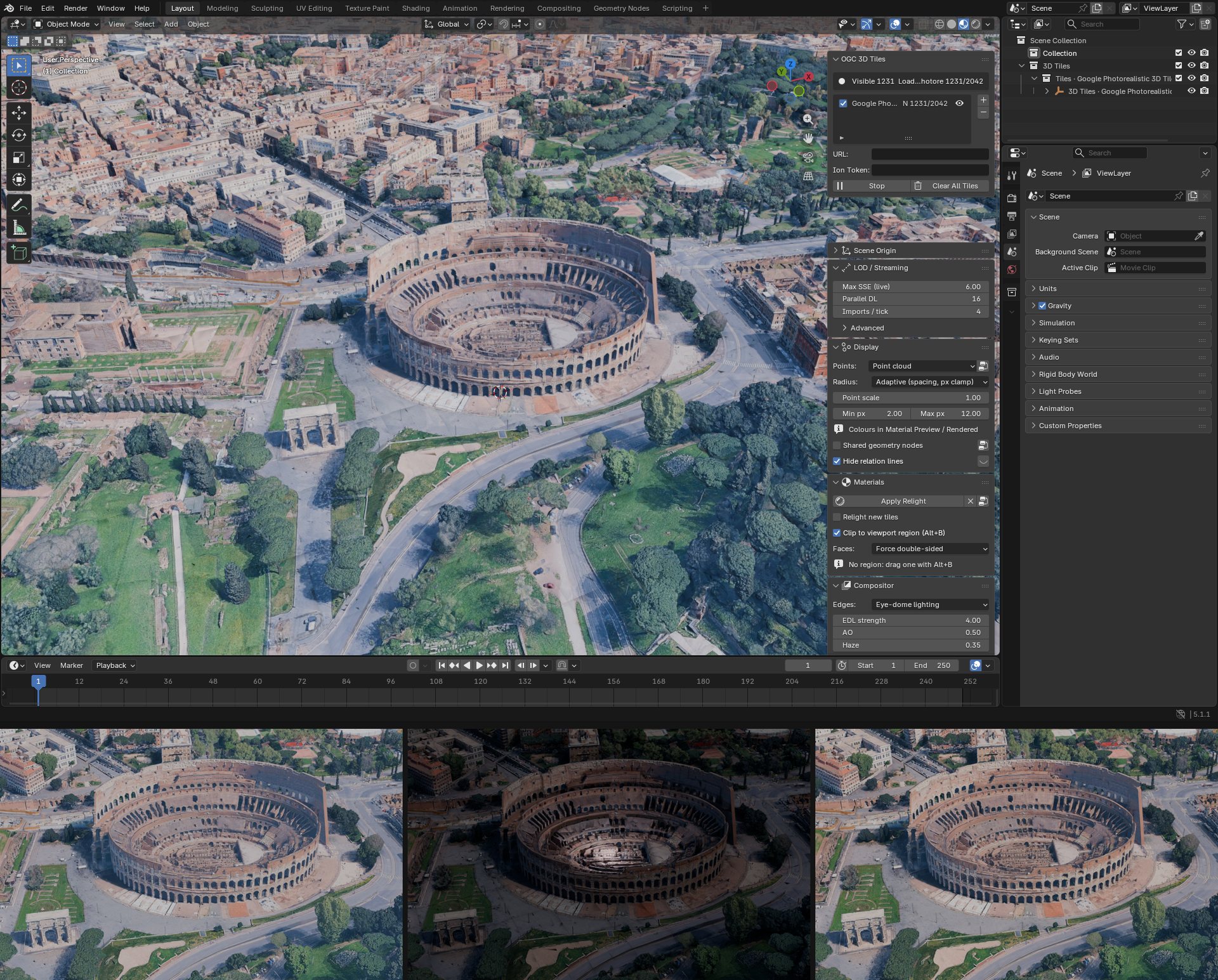
Mesh tilesets are the most common kind: photogrammetry of a site, a city model, Google Photorealistic
3D Tiles. Add the tileset.json and press Start. Each tile becomes a Blender mesh with its own
material and texture.
What is read
| Tile formats | b3dm and glb, 3D Tiles 1.0 and 1.1, implicit tiling included |
| Geometry compression | Draco, meshopt |
| Textures | JPEG, PNG, WebP, KTX2 |
With the cesium-native backend all of these are decoded by cesium-native. The pure Python backend goes through Blender's glTF importer, which on some Blender versions does not read meshopt or KTX2.
Things to know
- Level of detail: Max SSE in LOD / Streaming. Lower is finer and heavier.
- Back faces: most photogrammetry is single-sided. Faces, in Nodes: Material, is on Force double-sided by default, so cut or open meshes show their inside.
- Lighting: photogrammetry carries its light in its textures. Nodes: Material Shader mixes it with Blender's lamps.
- Edges and relief: Nodes: Compositor adds creases, ambient occlusion and haze.
- Attributes: building types, heights and other tables colour the tiles through Nodes: Metadata.
- Editing: tiles are ordinary meshes, but streaming replaces them as you move. One Geometry Nodes graph can edit them all: see Nodes: Geometry.